Follow many RSS channels, refresh in the background, filter and tag what matters — with an adaptive layout for phones and tablets.
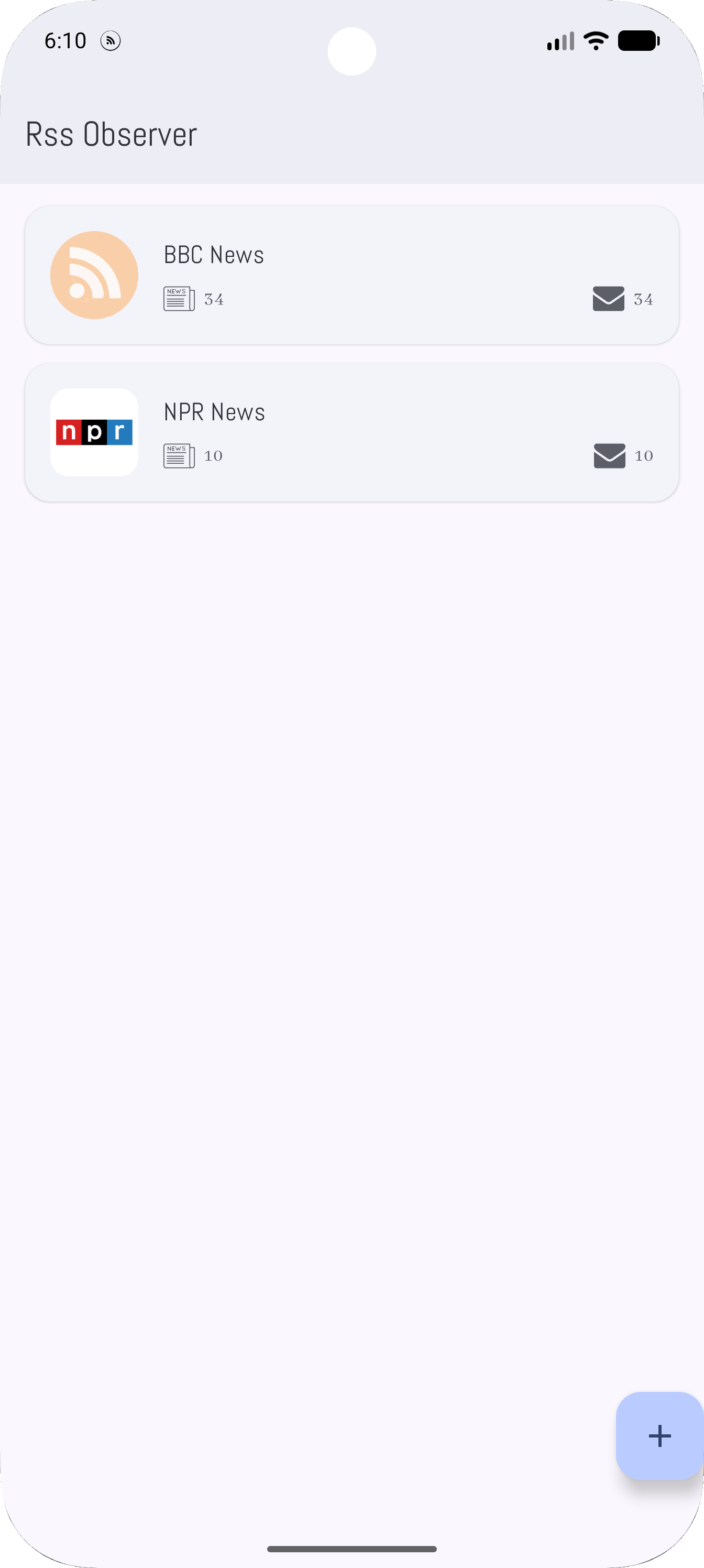
What you get
Add channels by URL, discover feeds from shared links or HTML where supported, and keep everything organized under Android accounts — including an anonymous path for defaults.
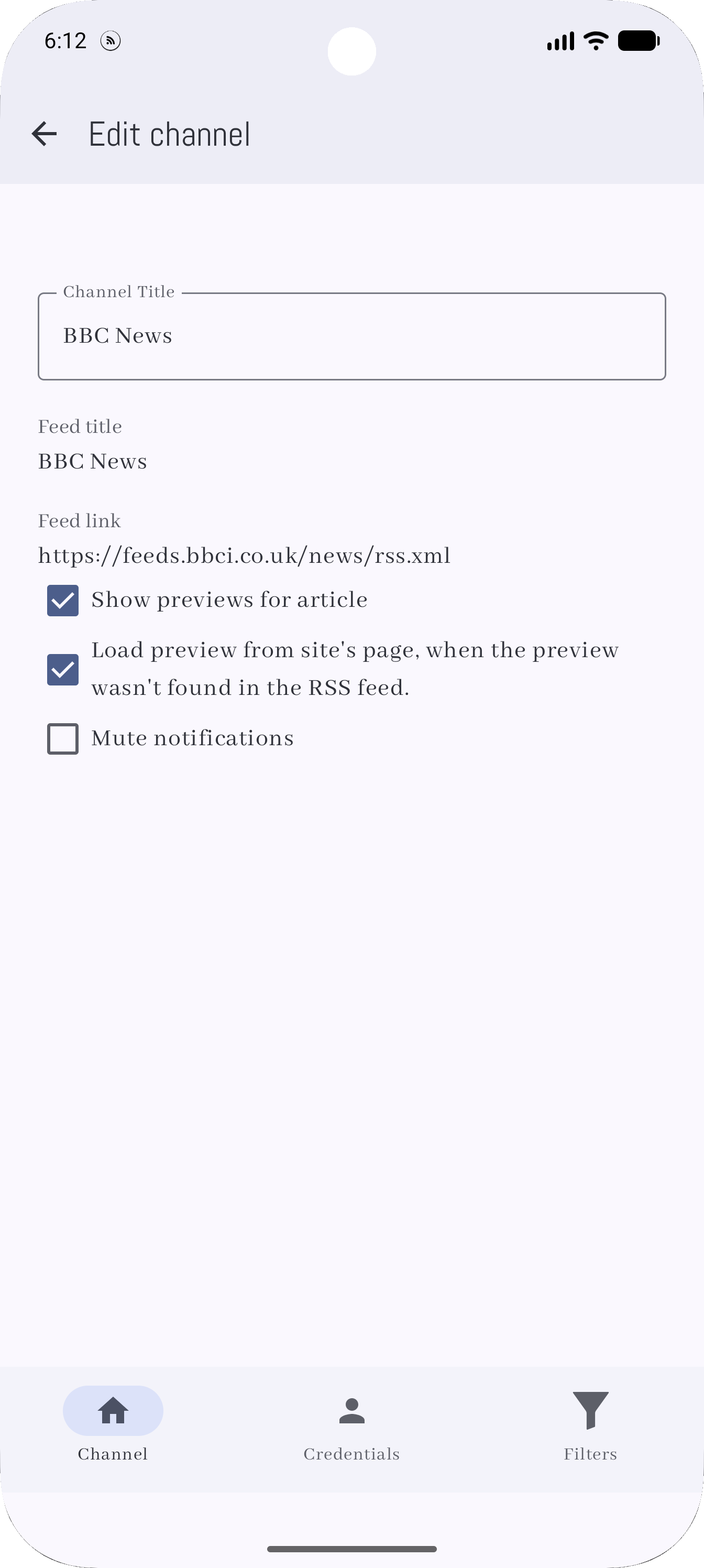
Subscribe by URL, use Android Share to send links into the app, and lean on HTML discovery when a page exposes feeds.
Browse channels and stories in a master/detail flow — Jetpack Compose and Material 3 layouts adapt cleanly on tablets and foldables.
WorkManager keeps feeds fresh about every thirty minutes when the network is available. Glance widgets surface the latest headlines; notifications can flag new items when enabled.
How it works
RSS Observer stores channels, articles, filters, and tags locally with Room. There is no central server for your reading list — just the servers you choose to fetch.
Paste an RSS URL, share a link from another app, or start from curated defaults for new installs.
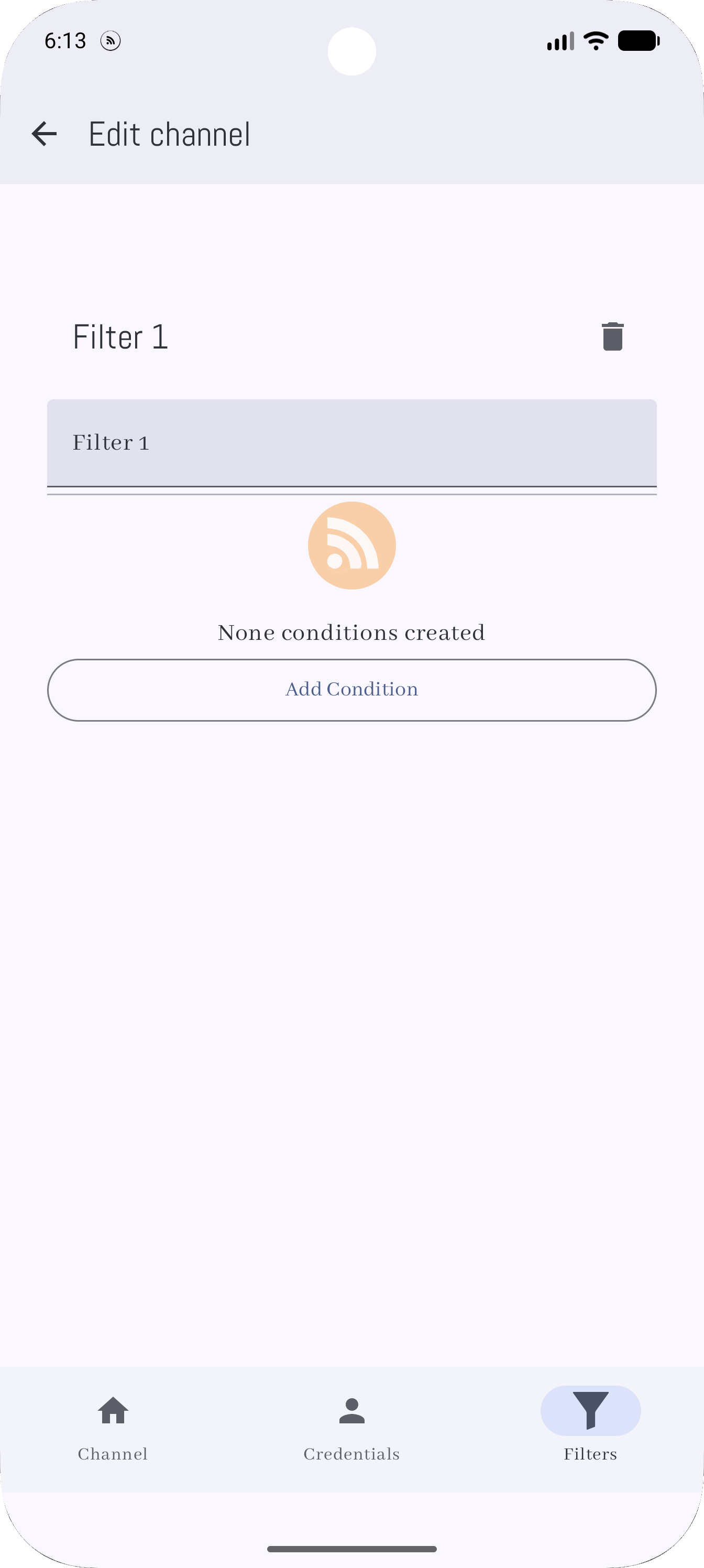
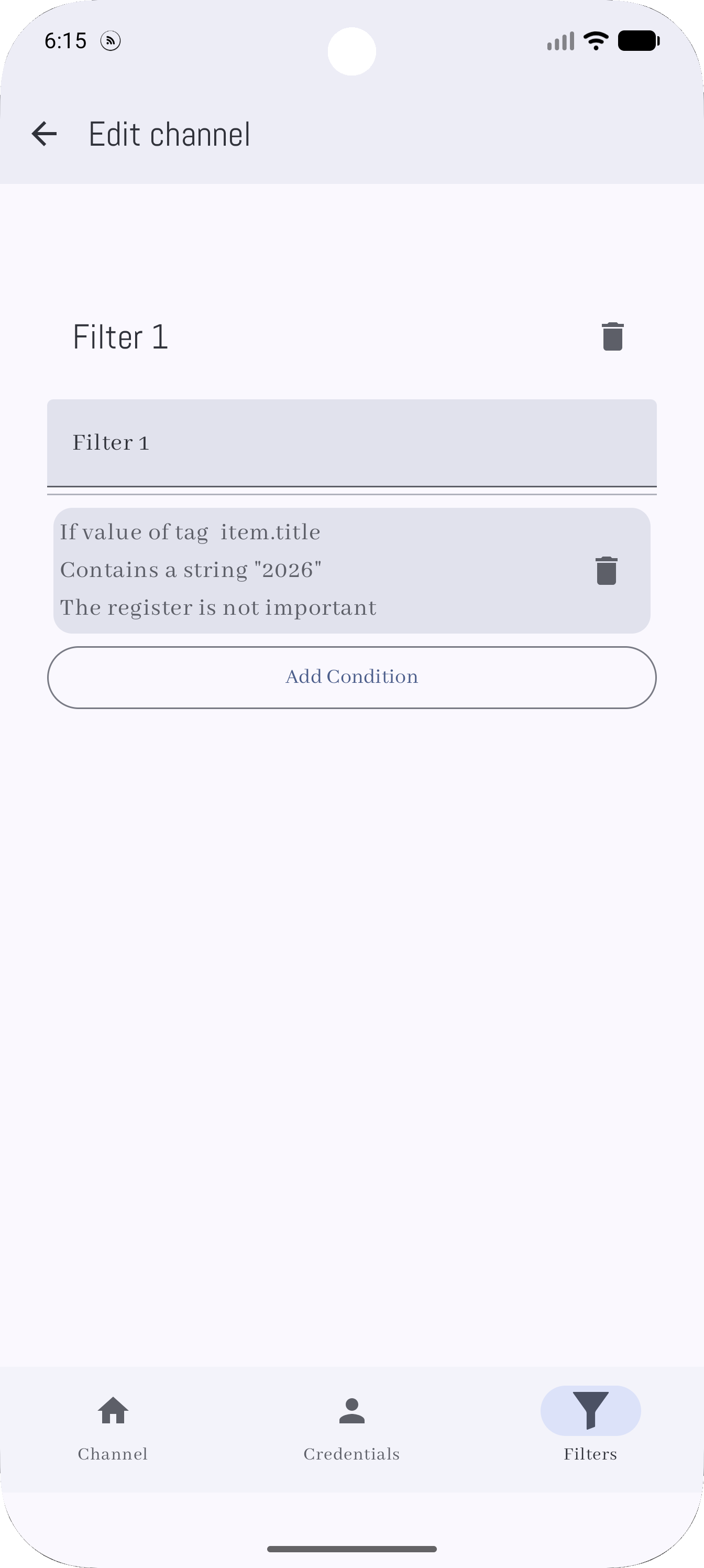
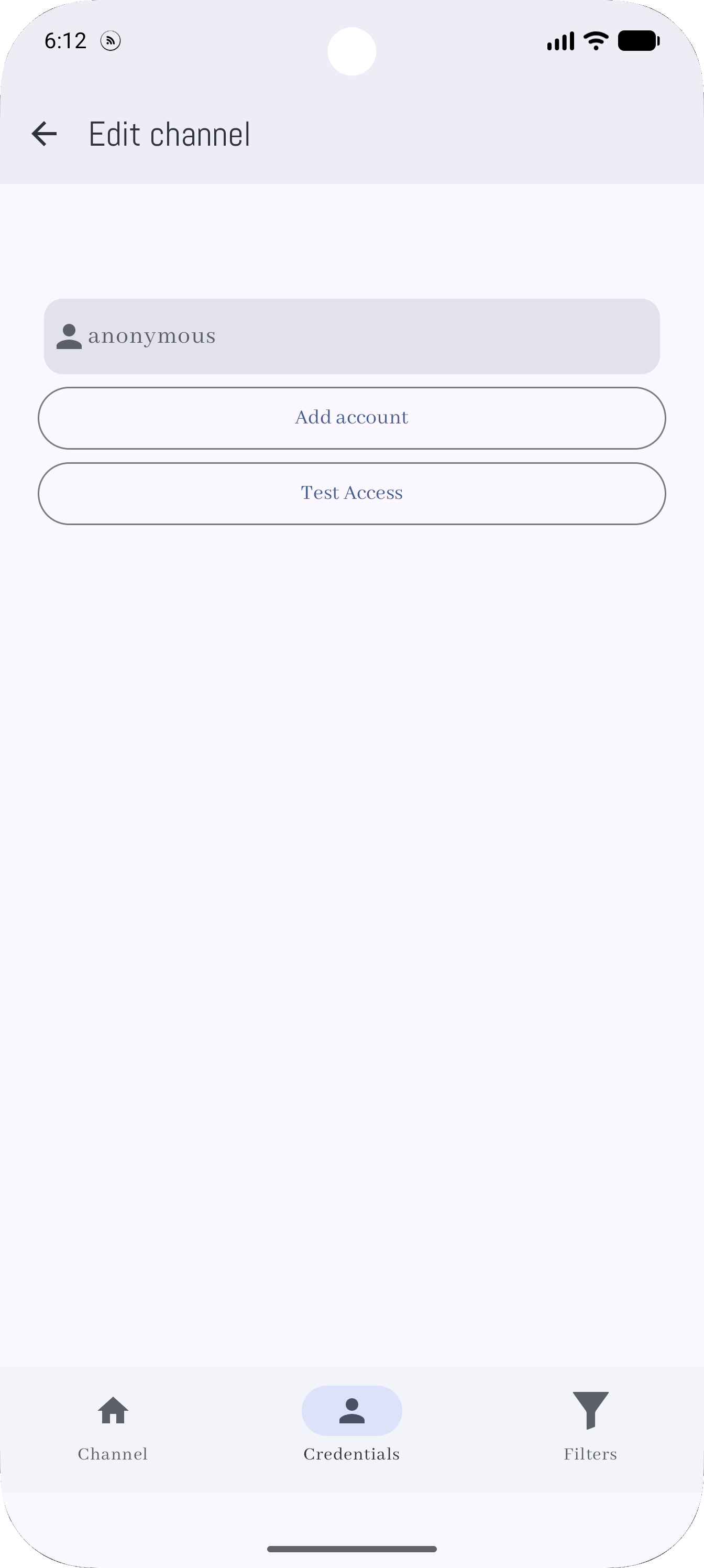
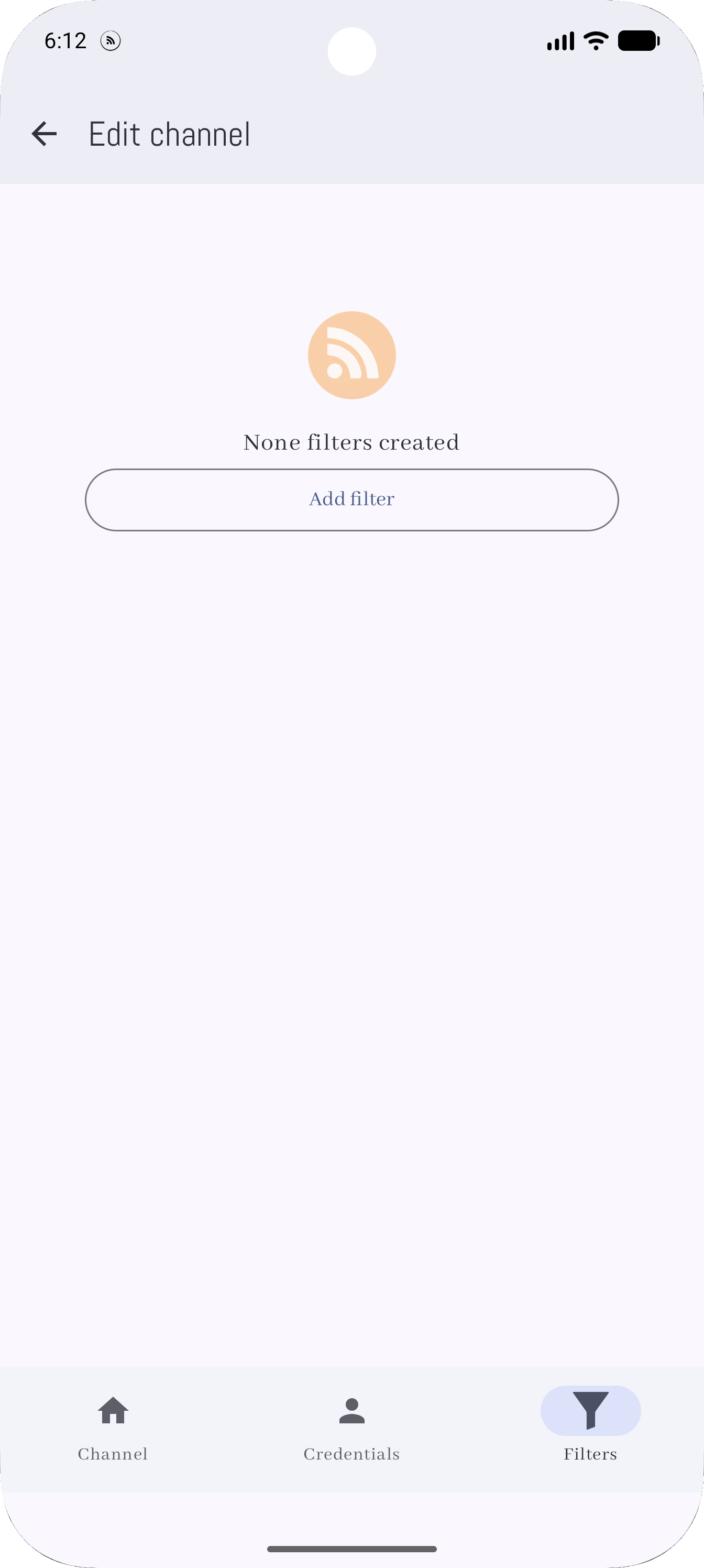
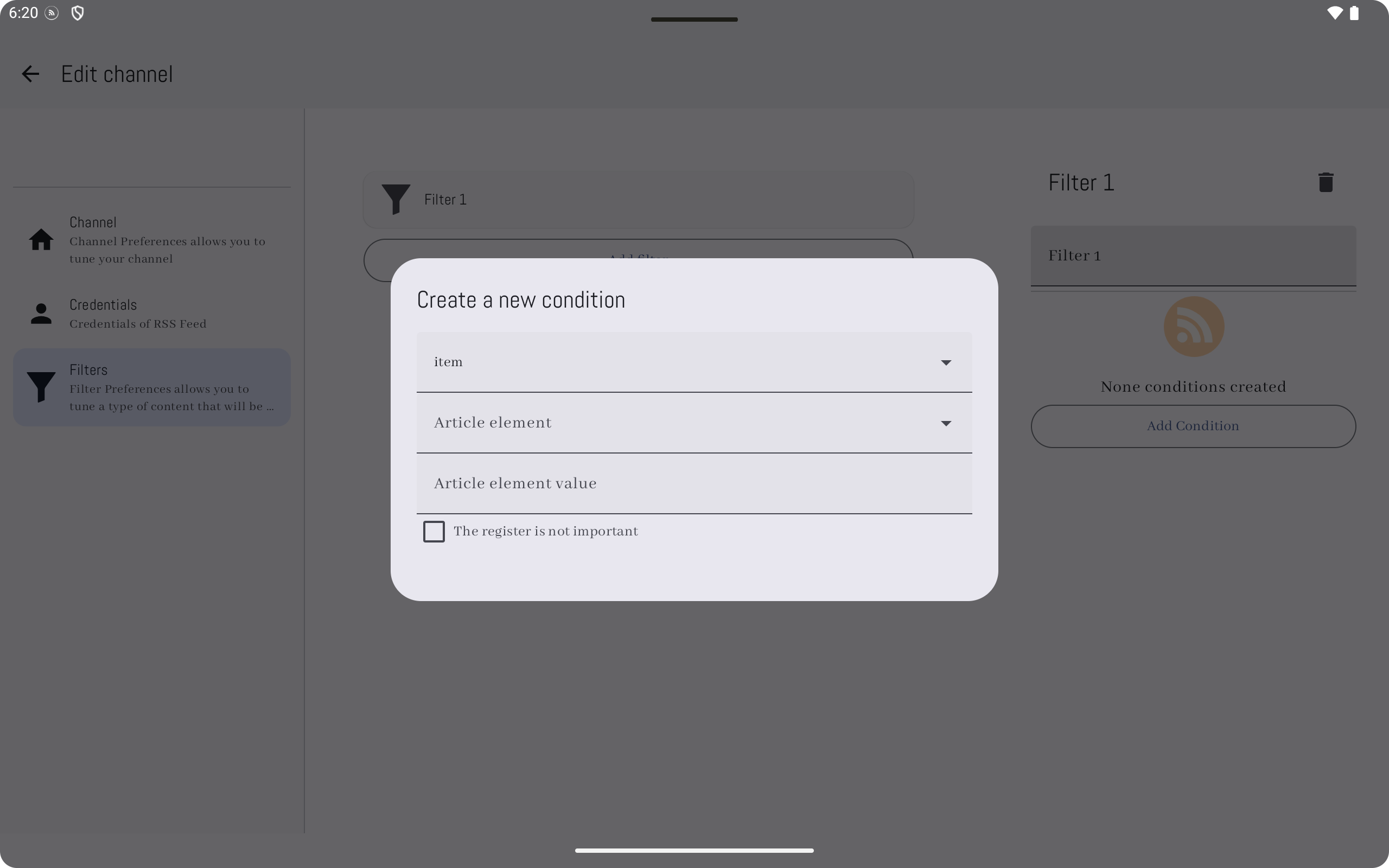
Use filters and tags to shape the stream. Credentials for protected feeds stay in encrypted storage on-device.
Background sync reschedules after reboot or updates. Open the app or glance at the widget — your latest items are ready offline after sync.
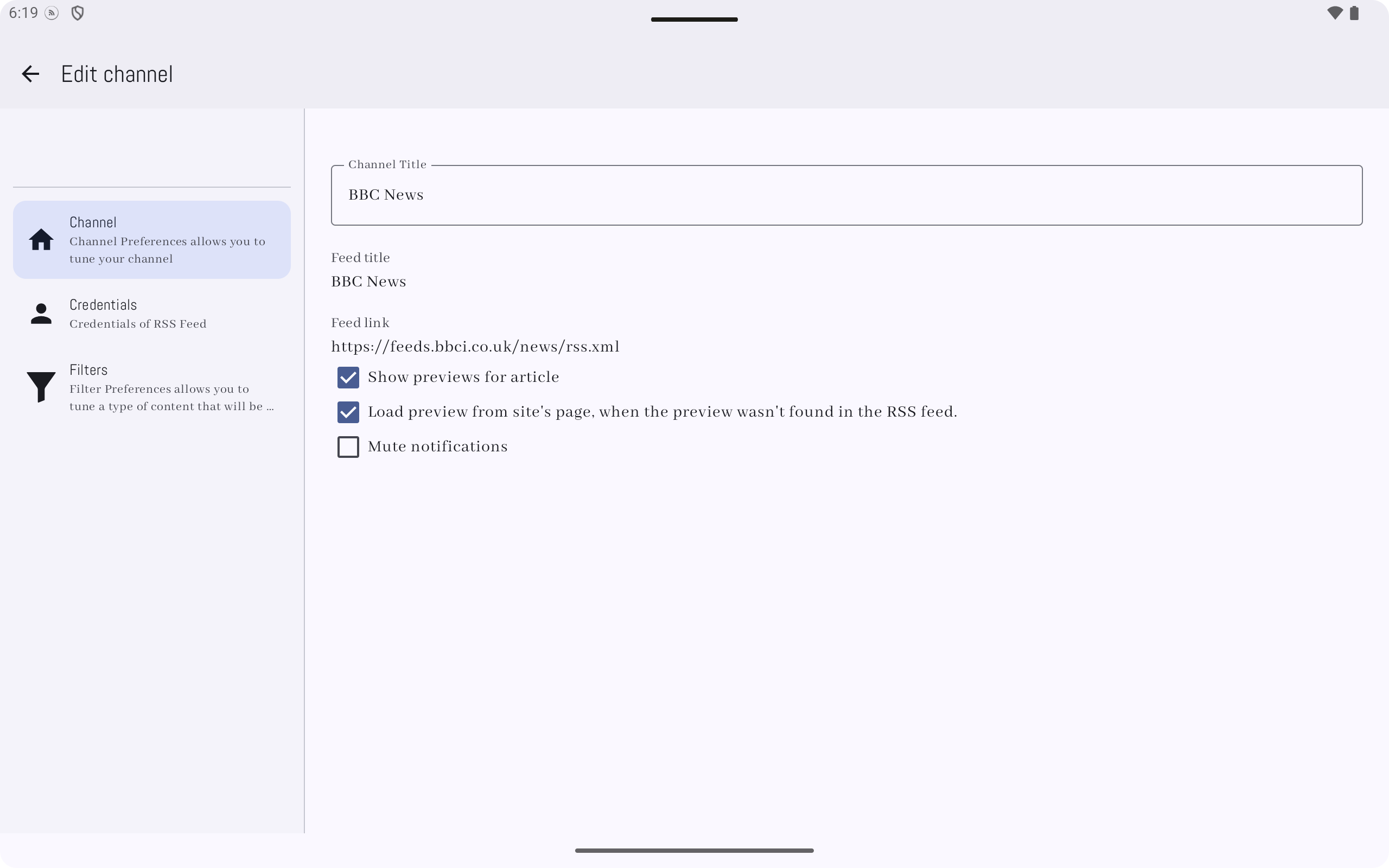
Tablets & large screens
The same codebase delivers list/detail and multi-pane experiences so reading scales up without losing density or hierarchy.
Google Play Billing unlocks extended use when you run past free limits — pricing and copy come from the Play listing at purchase time.
Feeds are grouped under Android Account entries so you can separate contexts or migrate legacy storage on startup.
Questions & answers
Quick answers from how the open-source app is designed to work. See the privacy policy for data handling details.
Download RSS Observer on Google Play for phones and tablets running Android 5+ (API 21), targeting current platform releases.
GET IT ONGoogle Play